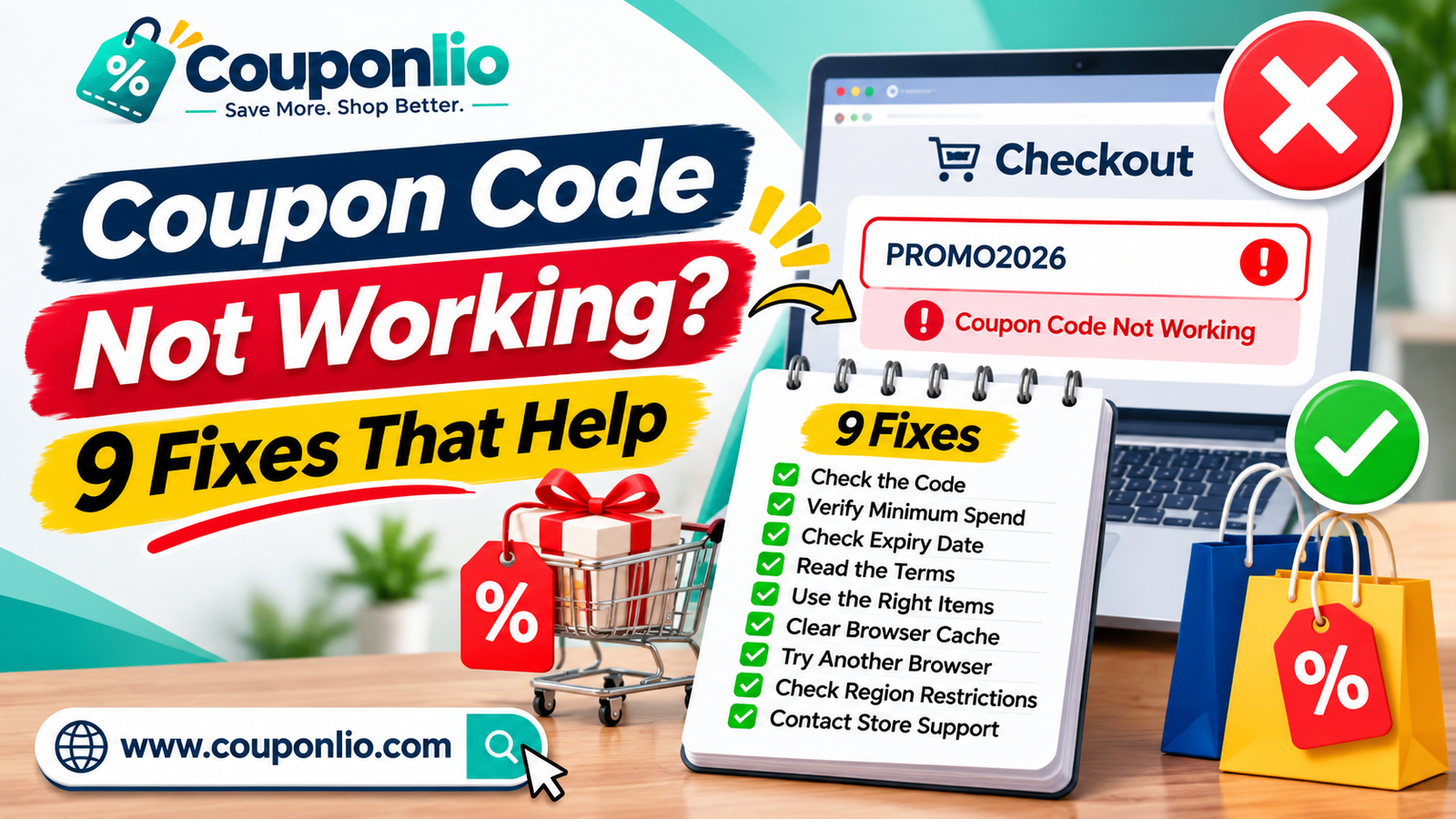
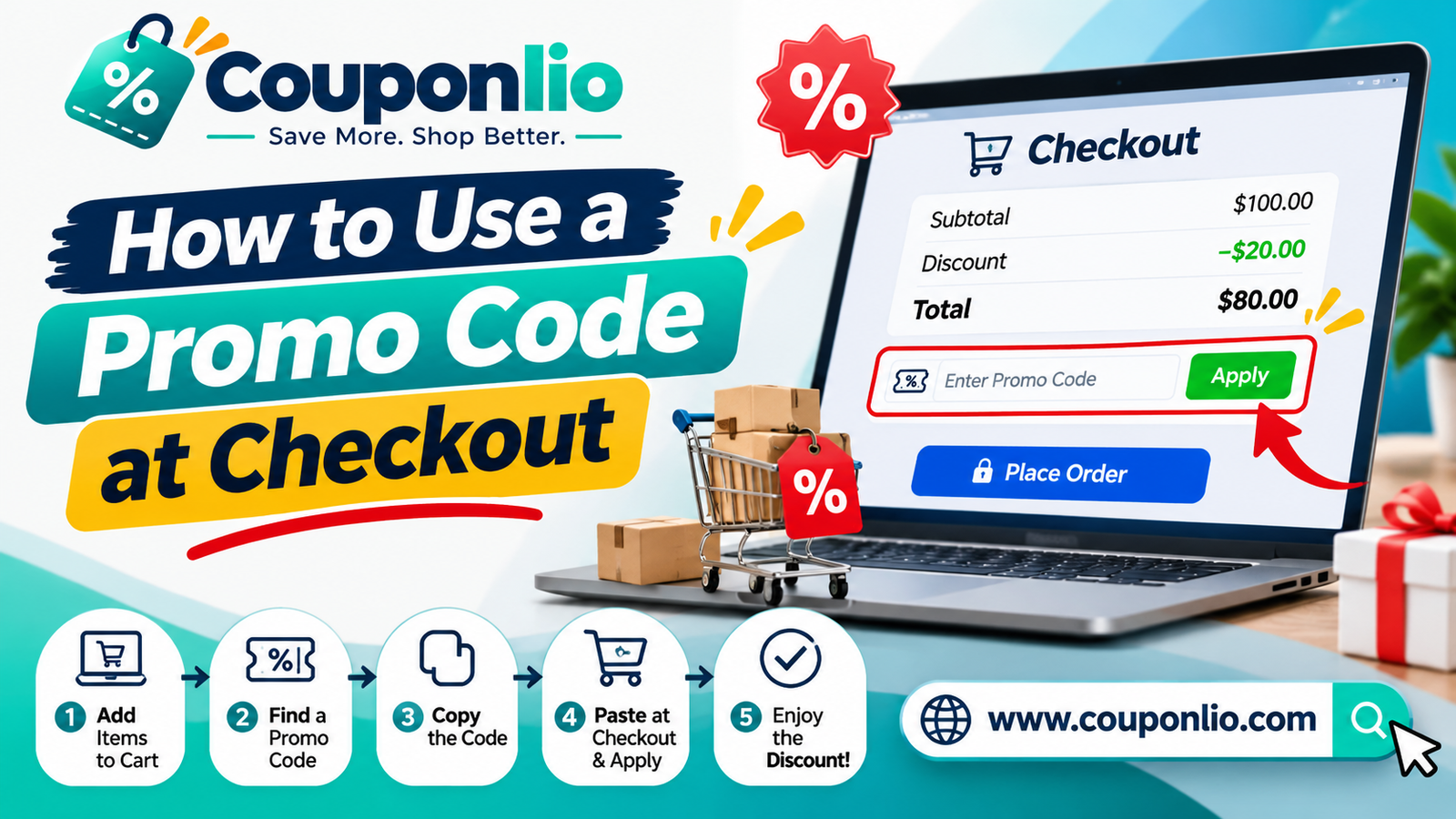
To use a promo code, copy the code, add your items to the cart, paste the code into the promo or discount box at checkout, and click Apply. The order total should drop before you pay. If it doesn't, the code may have expired, or your order may not meet its rules. This guide shows every step, where to find the code box, how it works on phones and apps, and what to check so you never pay full price by mistake.
What is a promo code?
A promo code is a short mix of letters and numbers that a store gives to shoppers for a discount. You may also see it called a coupon code, discount code, voucher code, offer code or promotional code. In most online shops these words mean the same thing. Shoppers in the US often say coupon code. In the UK, Australia, India, Pakistan and many other countries, voucher code and discount code are more common.
The store's system checks the code when you type it in. If your order meets the rules, the discount is added to your total. If it doesn't, you see a message such as "code invalid" or "code not applicable".
Types of promo codes and deals
Not every offer works in the same way. These are the common types:
• Percentage off. For example, 15% off your order, or 20% off selected items.
• Fixed amount off. For example, $10 off an order of $50 or more.
• Free shipping. The delivery fee is removed, often over a minimum spend.
• Buy one, get one. A second item is free or discounted when you buy a first.
• Free gift with purchase. A free product is added when your order reaches a set value.
• First-order or new-customer code. A discount for the first time you buy from a store, often linked to your email address.
• Student or member code. A discount for verified students, teachers, military members or loyalty club members.
• Deals with no code. The discount applies automatically after you click through to the store. On Couponlio these are shown with a Get Deal button.
How to apply a promo code in 5 steps
1. Find the code. On Couponlio, search for the store and click Show code or Get Deal. The code is copied for you and the store opens in a new tab.
2. Add items to your cart. Add the products you want. Some codes need a minimum spend, so check the terms first.
3. Go to checkout. Open your cart and start the checkout process.
4. Paste the code. Enter it in the box labelled Promo code, Discount code, Coupon, Voucher or Gift card or promo code.
5. Click Apply and check the total. Look for a discount line in the order summary. Only pay once the total has dropped.
That is the whole process, and it usually takes less than a minute.
Step 1 in detail: finding the right code
Start on the store's page on Couponlio. Each offer shows what it gives (for example, "15% off"), the expiry date, whether it is verified, and any terms. Choose a code that matches what you are buying. A code for "free shipping on orders over $75" will not help with a $40 order.
If an offer says "exclusive", it was arranged for Couponlio shoppers. If an offer shows a "Get Deal" button, you do not need a code. Click it and the price is applied by the store.
Step 2 in detail: building a cart that qualifies
Before you go to checkout, check what the code needs:
• Minimum spend. The cart total must reach this value, usually before delivery and tax.
• Eligible items. Some codes apply only to certain brands, categories or full-price items.
• Quantity rules. A code may need two or more items.
• Customer type. The code may be for new customers only.
Do not add items you don't need just to reach a minimum. If the extra item costs more than the discount saves, you lose money.
Step 3 and 4 in detail: where is the promo code box?
It depends on the store. Common places are:
• On the cart page, under the list of items.
• On the payment step, above the card details.
• In the order summary on the right side of the page, or in a collapsed section on mobile.
• Behind a link that says "Have a promo code?" or "Add a discount code".
If you can't see a box, scroll down the page, open the order summary, or go back to the cart page. Some stores hide the box until you click the link.
Step 5 in detail: check the total before you pay
This step prevents most problems. After you click Apply, check these three things:
1. A discount line appears in the order summary, for example "Discount: -$10.00".
2. The total is lower than before.
3. The shipping and tax still look right.
If the discount line is missing, do not pay yet. Read the message the store shows. It usually explains why the code failed.
Using a promo code on a phone or in an app
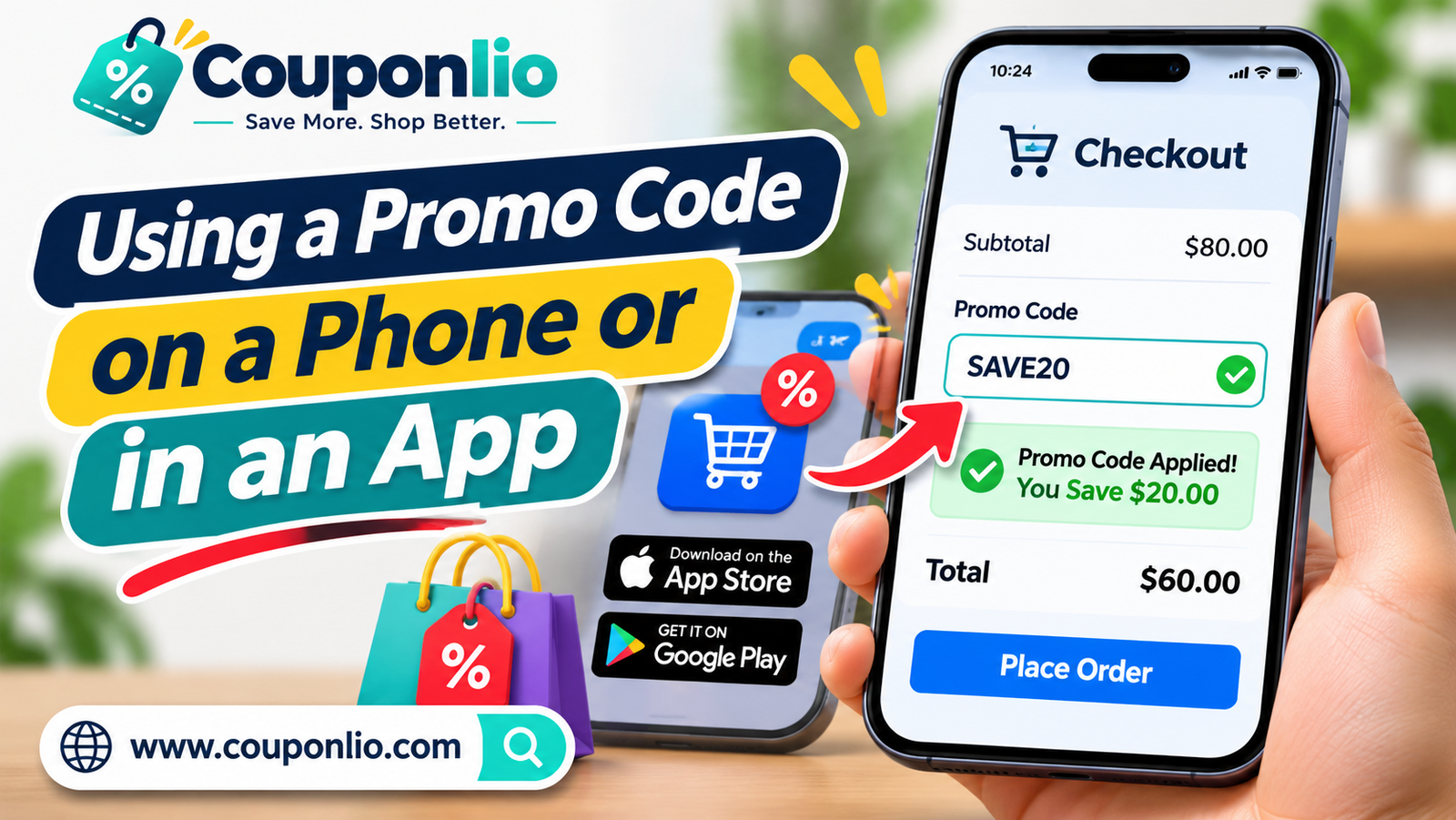 The steps are the same, but the layout is different. In a store app, look for a small text link such as Add a code, Promo or Offers near the total. On a mobile browser, the order summary may be collapsed, so tap it to open it.
Some offers work only on the website, and some work only in the app. The terms under the offer usually tell you which. If a code fails in the app, try the website, and the other way round.
Using a code with express checkout
Many stores offer fast payment buttons such as Apple Pay, Google Pay or PayPal. In some stores, these buttons skip the page that has the promo code box. If you want to use a code, enter it in the cart or checkout page first, and then use the fast payment button when the discount shows in your total.
Guest checkout or account?
Most codes work for guests. Some codes, such as member or first-order codes, need you to sign in or to use the email address you registered with. If a code does not work as a guest, sign in, or create an account if the offer is for new customers.
Using promo codes for food delivery and restaurants
Food delivery apps and restaurant websites usually have a promo code field in the basket. Codes often have rules about the minimum order, the restaurant, the delivery area or the time of day. For restaurants, some coupons are for pick-up only, and some are for delivery only. Check the terms under the offer.
Using promo codes for hotels and travel
For hotels, flights and car rental, the code box is often on the last page of the booking, before payment. Codes may apply only to certain dates, rooms or destinations. Check the cancellation rules before you book, because some discounted rates cannot be refunded.
Using promo codes for web hosting, software and subscriptions
For hosting and software, a code often reduces the price of the first term only. When the plan renews, the price may go up to the normal rate. Check the renewal price on the checkout page. If you want a lower price for a longer time, choose a longer plan if the store offers one.
Check these terms before you pay
• Minimum spend: the order total needed for the code to work.
• Excluded items: sale items, gift cards or certain brands are often left out.
• New customers only: the code may work only on your first order.
• Expiry date: the code stops working after this date.
• Region: the code may be valid only in some countries.
• Usage limit: a code may work once per customer or until a limit is reached.
• Combining offers: many stores allow only one code per order.
On Couponlio, these terms appear under each offer, with the expiry date and the verified date.
Can you use more than one promo code?
Usually, no. Most stores accept one code per order. If you enter a second code, it often replaces the first one. You can often combine one code with a sale price, free shipping or a cashback reward. Our guide on how to stack coupons and cashback explains the options. Try the biggest saving first, then compare the totals.
Promo code or gift card?
A promo code lowers the price you pay. A gift card is a form of payment, like cash. Some stores have a single box for both, labelled "Gift card or promo code". If you have both, apply the promo code first, then pay the remaining balance with the gift card.
What happens to the discount if you return an item?
If you return an item that you bought with a promo code, the store usually refunds the amount you paid for it, not the original price. If a code needed a minimum spend and you return part of the order, the discount may be changed. Read the store's return policy before you buy, especially for large orders.
If the code doesn't work
If you see an error, do these things in order:
1. Check that you copied the whole code, without spaces.
2. Check the expiry date and the terms.
3. Make sure your cart meets the minimum spend and has eligible items.
4. Remove any other code, then try again.
5. Refresh the page or try another browser or device.
6. Try another code for the same store from our deals page.
For more help, read why a coupon code may not work. It covers nine common reasons and how to fix each one.
How to shop safely when you use coupon codes
• Use the official store website and check the web address before you enter payment details.
• Never pay to see or unlock a code.
• Do not install software from a site you don't trust just to get a discount.
• Be careful with codes sent by unknown people in messages. A real code does not need your card number.
• Keep your order email as a record of the discount.
Tips to save more with every code
• Check whether a code can be added to a sale price.
• Look at free shipping thresholds. Adding one item can sometimes cost less than paying for delivery.
• Sign up for the store's newsletter if you are a new customer. Many stores send a first-order code.
• Compare the final price, including delivery and tax, with another store.
• Check the expiry date. A code that ends today may not be there tomorrow.
• Use student, military or member discounts if you qualify.
FAQ
Can I use a promo code after I have placed an order?
Usually not. Most stores need the code before payment. Contact the store's support if you forgot, but do not expect a refund of the difference.
Do I need an account to use a promo code?
Often no. Some stores need you to sign in, especially for first-order or member codes.
Why does the promo code box say "invalid"?
The code may have expired, may not match your items, or may not meet the minimum spend. See our guide on coupon codes that don't work.
Are promo codes case sensitive?
Some are. Copy and paste the code exactly as shown instead of typing it.
Are coupon codes the same as vouchers?
In online shopping, yes. Voucher code, coupon code, discount code and promo code mean the same thing for most stores.
Is Couponlio free to use?
Yes. Couponlio is free. We may earn a commission when you buy through our links, and it never changes your price.
How do I know a code is verified?
Look at the verified date and the expiry date on the offer, and read the terms before you shop.
Ready to save?
Open today's best deals, or browse all stores to find your next promo code.