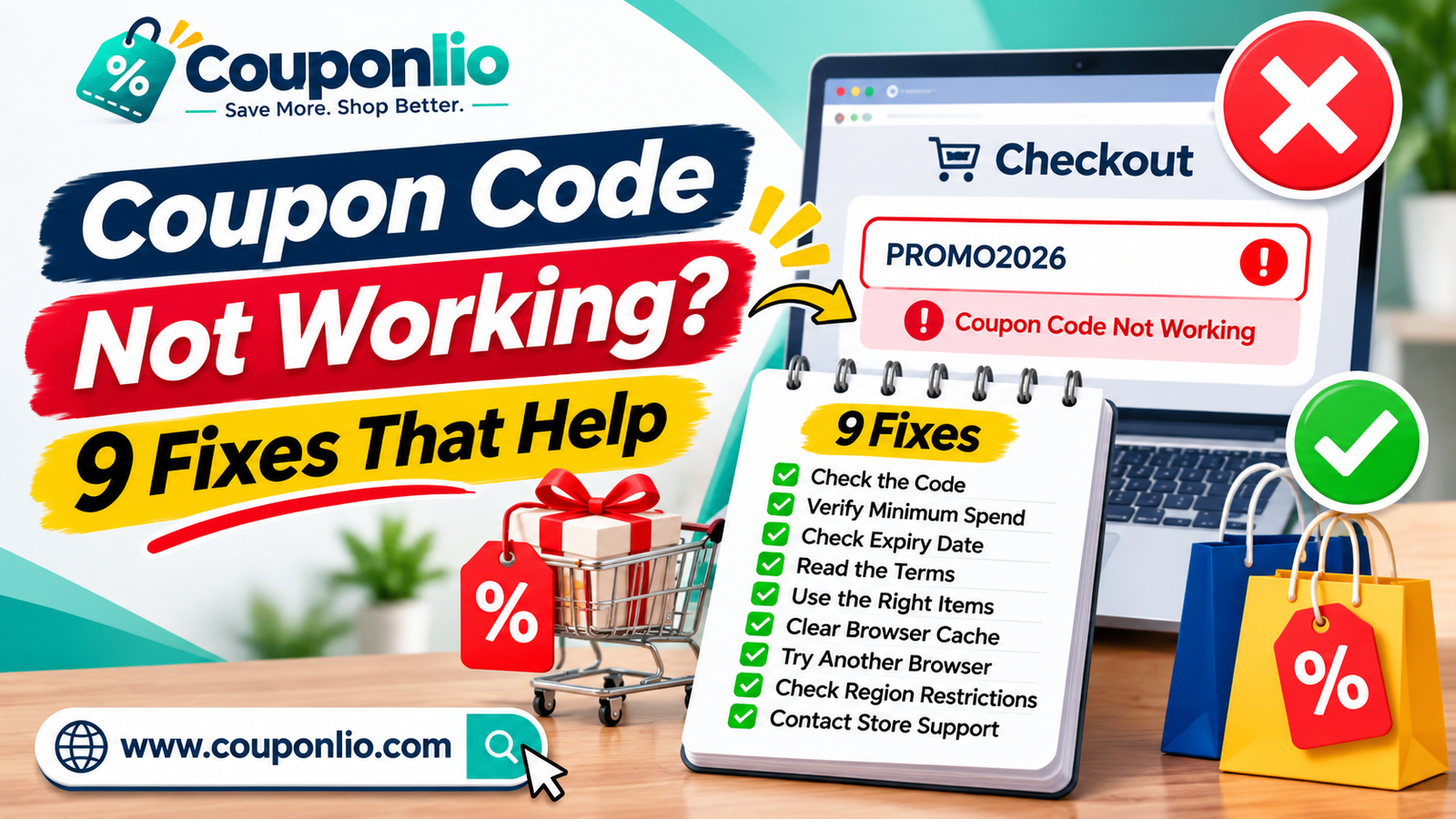
A coupon code usually stops working for one of nine reasons: it has expired, you have not reached the minimum spend, your items are excluded, it is for new customers only, it was already used, it is not valid in your country, it was typed wrong, it cannot be combined with another offer, or it works only in the app or on the website. Check each reason below in this order, and in most cases you will find the problem in a few minutes. This guide also shows how to find a working code instead, how to talk to the store's support, and how to avoid the same problem next time.
Why do promo codes fail at checkout?
A promo code is not just a word. Behind it, the store has a set of rules that its system checks when you click Apply. The system asks questions such as: Is the code still valid? Is the cart total high enough? Are these items allowed? Is this customer allowed to use it? Has the usage limit been reached? If any answer is no, the code fails.
This is why the same code can work for one shopper and not for another. It is also why a code that worked yesterday may not work today. Stores change their rules, end offers early and set limits, often without any public notice.
Quick checklist: what to check first
Before you read the details, run through this short list:
1. Is the code still valid? Check the expiry date.
2. Did you copy it exactly, with no spaces?
3. Does your cart meet the minimum spend?
4. Are the items in your cart eligible?
5. Is the code for new customers only, and are you one?
6. Are you on the right country version of the store?
7. Do you have another code or sale that blocks this one?
8. Does the code work in the app, website or both?
If you answered no to any of these, the matching section below shows how to fix it.
1. The code has expired
This is the most common reason. Stores can end a code on the date shown, or earlier if a stock or budget limit is reached. Some codes also end at a specific time on the last day, and the time zone may not be yours.
How to tell: the store shows messages such as "code expired", "code is no longer valid" or "code not found".
Fix: open the store page on Couponlio and use a code with a future expiry date and a recent verified date. If you are using a code from an email or an old message, look for a newer one.
2. You have not reached the minimum spend
Many codes need a minimum order value, for example $50 or £30. The store may count the total before or after delivery and tax. It may also count the total after other discounts, so a sale price can bring your cart below the limit.
How to tell: the message says something like "minimum order not met" or "spend $X more".
Fix: read the terms under the code and check the value the store uses. Add items until you reach the minimum, but only if you really need them. If the extra product costs more than the discount saves, skip the code and look for a different offer.
3. Your items are excluded
Sale items, gift cards, new releases, electronics or certain brands are often left out of discount codes. Stores do this to protect their margins on products that are already discounted.
How to tell: the code works in some carts but not others, or the message says "not valid for items in your cart".
Fix: check the exclusions in the terms. Try the code with a full-price item to see if it works. If you only want sale items, look for a store-wide sale or a free shipping offer instead.
4. The code is for new customers only
First-order codes check your email address, phone number, delivery address or account history. If you have bought from the store before, the code may be rejected.
How to tell: the message says "this code is for new customers" or "you have already used an offer like this".
Fix: look for a code made for existing customers. Many stores have loyalty, birthday or member codes. You can also sign up to the store's newsletter, which often gives a member code. Do not make fake accounts to get around the rule, because stores can cancel orders that break their terms.
5. The code was already used
Some codes work once per account, per email address or per device. Others have a total limit, such as the first 1,000 uses, and then stop.
How to tell: the message says "code already used" or "usage limit reached".
Fix: look for a different code for the same store. A code that has reached its limit will not work again. If you used the code on an order that you cancelled, contact the store's support, because they can sometimes reset it.
6. The code is not valid in your country
A code for the US store may not work on the UK, Pakistan or UAE version of the same brand, and the other way round. Stores often create separate codes for each country because prices, taxes and shipping rules differ.
How to tell: the code is rejected only on one version of the website, or the store changes the country at the top of the page.
Fix: check the region in the terms. Make sure you are on the correct country site of the store, and that the delivery address matches the country the offer covers. On Couponlio, use the language selector and the terms under each offer to find codes for your region.
7. There is a typing mistake
Extra spaces, a missing letter or the wrong case can make a valid code fail. Mix-ups between the number 0 and the letter O, or the number 1 and the letter l, are very common. A space is often added when you copy a code from an email or a message.
How to tell: the store says "code not found" even though the offer is current.
Fix: copy and paste the code instead of typing it. Delete any space before or after it. On Couponlio, the Show code button copies the code for you.
8. It cannot be combined with another offer
Many stores allow only one promo code per order. Some codes also do not work on top of an automatic sale price, a loyalty reward, a gift card promotion or a bundle deal.
How to tell: the message says "cannot be combined" or the first code disappears when you add the second.
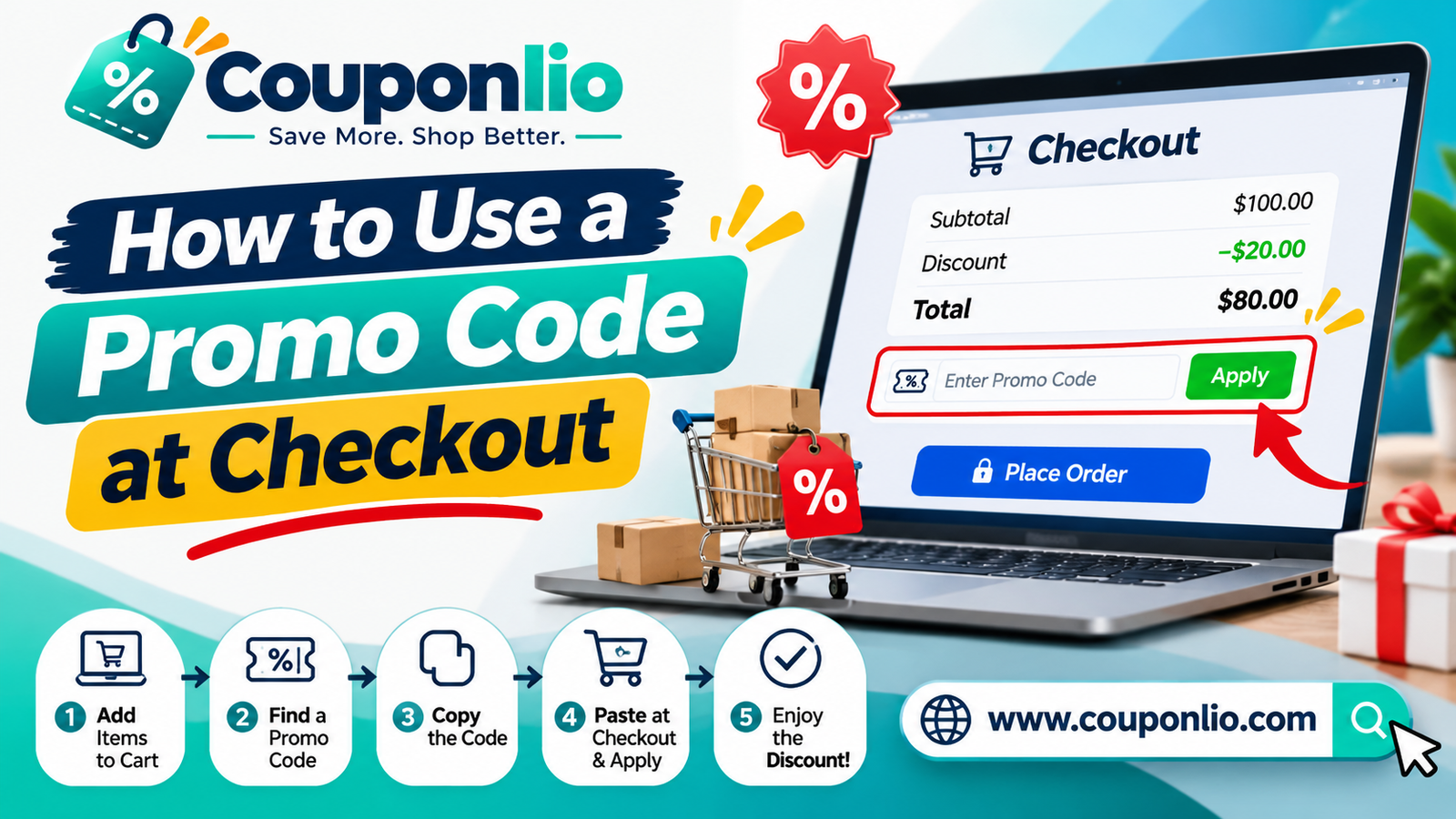
Fix: remove other codes and try the better one first. Compare the totals with and without each offer, and keep the one that gives the lowest price. Our guide on how to use a promo code at checkout explains how to apply and compare codes, and how to stack coupons covers the combinations that are allowed.
9. It works only in the app or only on the website
Some offers are limited to one channel, one device or one payment method. For example, a code may work only in the store's app, only on the website, only with a certain card, or only for pick-up orders.
How to tell: the terms mention "app only", "online only", "in-store only" or a payment partner.
Fix: read the terms under the offer. Try the other channel, such as the app instead of the website, or choose the payment method named in the offer.
Other reasons a code may fail
If none of the nine reasons fits, check these less common causes:
• A technical problem. The store's page may have an error. Refresh the page, log out and in, or try another browser.
• Your cart changed. Some codes are removed when you change the cart. Apply the code again after you finish editing.
• A delivery method rule. Some codes work only with certain delivery options, for example standard delivery but not express.
• A date or time rule. Some offers are valid only on certain days or at certain times, such as lunch deals.
• A currency or address problem. The code may not match the currency or the shipping country you picked.
• A store system issue. Very large sales events can overload checkout systems, and codes may fail for a short time.
What to do if nothing works
1. Refresh the page and try the code once more.
2. Clear the cart, add your items again and re-apply the code.
3. Try another browser or device.
4. Try another code for the same store from our deals page.
5. Contact the store's support. Ask if they can apply the discount for you, and send the code and a screenshot of the message.
6. Report the code to us so we can check it and update the listing.
How to ask the store's support for help
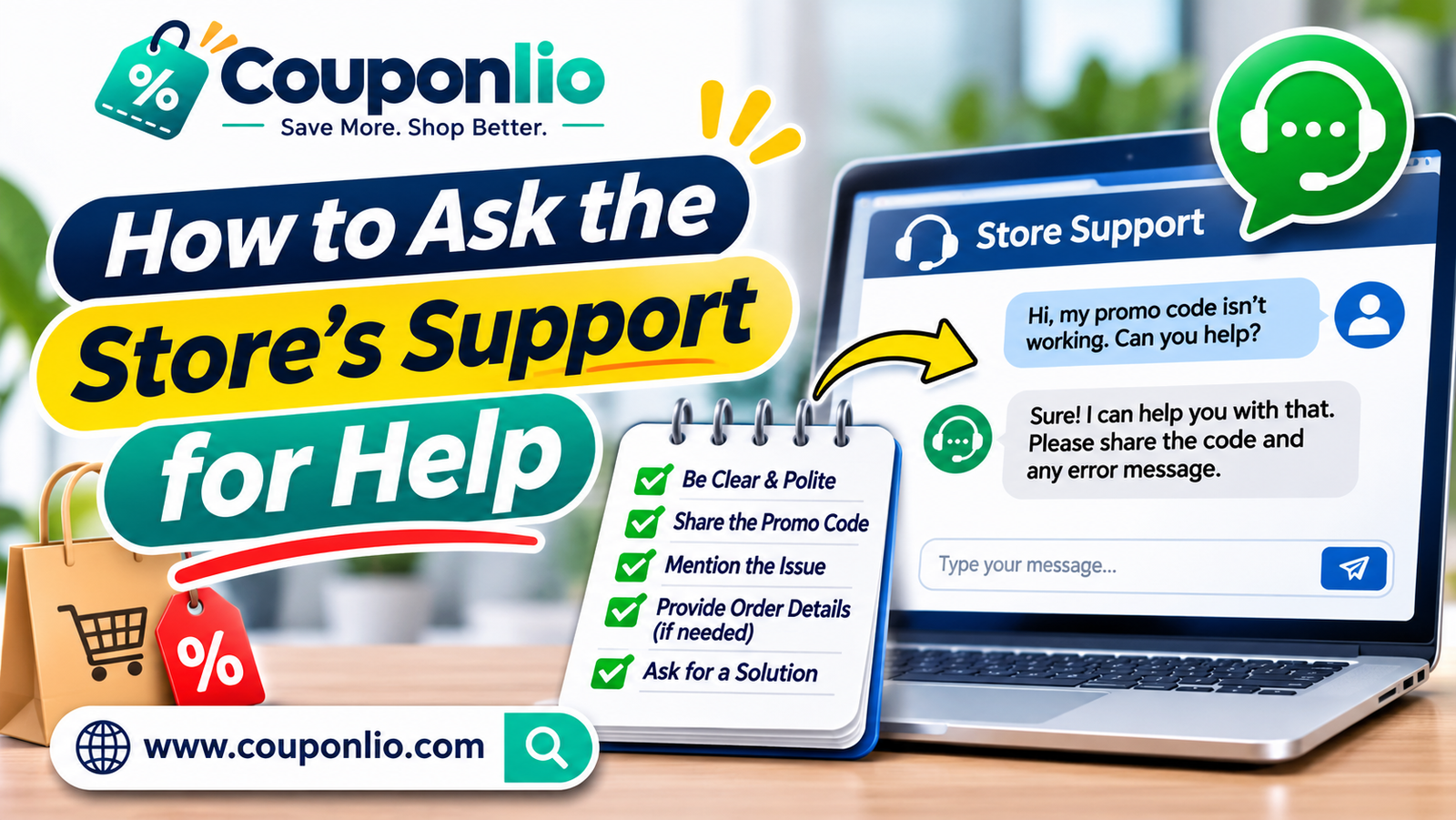 If a code should work but does not, a short message often solves it. Write something like this:
Hello, I tried to use the code [CODE] on my order, but I get the message "[MESSAGE]". The offer says [WHAT THE OFFER SAYS]. Can you check whether the code is valid, or apply the discount to my order? My order number or cart email is [EMAIL].
Stay polite and include the exact error message. Support teams can often add the discount manually, or give you a different code.
How to find a working promo code
• Look at the verified date and the expiry date. A code with a recent verified date is more likely to work.
• Read the terms first. It takes ten seconds and saves a lot of time.
• Choose a code that fits your cart. Match the minimum spend and the category.
• Try the newest offer. Stores often replace old codes with new ones.
• Use a deal with no code. If a Get Deal offer applies the price automatically, you avoid typing problems.
• Sign up for the store's emails. Many stores send a code for your first order.
How to avoid code problems next time
• Build your cart first, then look for the code.
• Copy and paste the code.
• Check the total before you pay, and look for the discount line.
• Do not apply a code in a rush at the very end of a sale, when systems are busy.
• Keep a screenshot of the offer and its terms in case you need to contact support.
Why do coupon sites show codes that do not work?
Coupon sites collect codes from stores, partners and shoppers. Stores can change the rules or end a code at any time, even after a coupon site has checked it. A good coupon site shows when each code was last checked, shows the terms, and removes a code when it fails. No site can guarantee that every code works for every shopper, so check the terms and the expiry date each time.
FAQ
Why does my promo code say invalid?
The code may have expired, may not match the items in your cart, may not meet the minimum spend, or may be limited to certain customers or countries. Go through the checklist at the top of this guide.
Does a failed code mean the coupon site is fake?
No. It usually means the code has rules you have not met, or it has ended. Check the terms and try another code.
Can I get a refund if I forgot to apply the code?
Usually not. Apply the code before you pay, and check that the total changes. Some stores may help if you contact them straight after the order, but it is not guaranteed.
Why does the code work on my phone but not on my laptop?
Some offers are limited to the app or to a website version. Try the other one.
Can I use a code that expired yesterday?
Usually not. Some stores accept a code for a short time after the date, but most do not. Look for a current code.
How can I report a code that does not work?
Use our contact page and tell us the store, the code and the message you saw. We check the code and update the listing.
Is it safe to use coupon codes?
Yes, when you use the official store website and do not share your card number or passwords with anyone who offers a code. Never pay to unlock a coupon.
Find a working code now
Open our deals page to see current offers with verified dates, or browse all stores to find the code you need.